Support
Troubleshooting
Problem-based fixes for desktop app, engine, import, transcription, export, storage, licensing, and diagnostics issues.
App does not open
What it means: The desktop shell cannot launch.
Why it happens: Damaged install or OS security block.
How to fix it: Reinstall from trusted source and check Windows SmartScreen or macOS Gatekeeper.
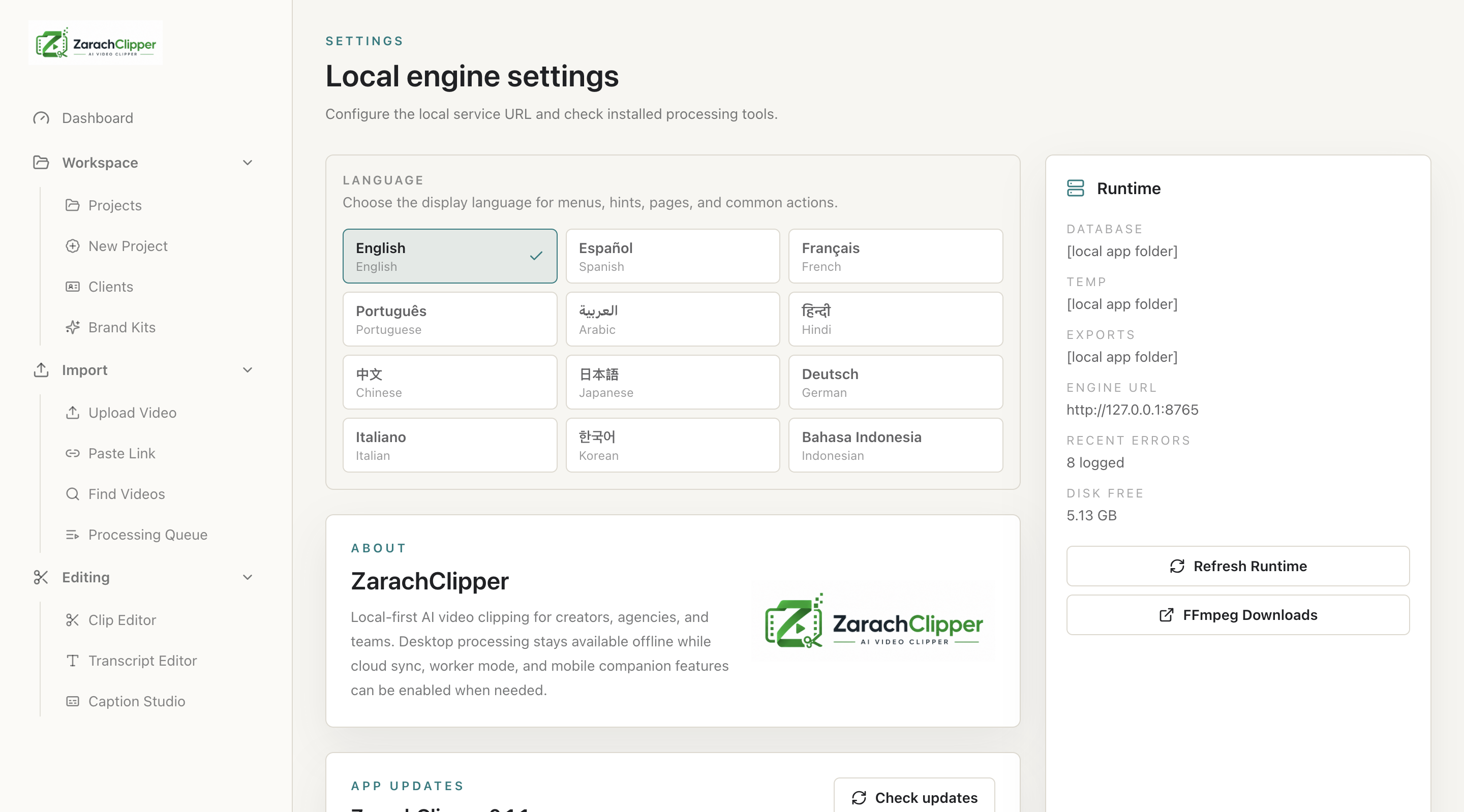
Engine offline
What it means: UI cannot reach local engine.
Why it happens: Engine crashed, did not start, or port conflict.
How to fix it: Open Settings and restart engine. Confirm port 8765 is free.
FFmpeg missing
What it means: Video processing cannot run.
Why it happens: FFmpeg is unavailable or path is wrong.
How to fix it: Install/locate FFmpeg and restart engine.
FFprobe missing
What it means: Media metadata cannot be inspected.
Why it happens: FFprobe unavailable or path wrong.
How to fix it: Install/locate FFprobe and restart engine.
faster-whisper missing
What it means: Transcription cannot run.
Why it happens: Engine dependency unavailable.
How to fix it: Use packaged engine or install source dependencies for development.
Video import failed
What it means: Local video did not import.
Why it happens: Unsupported file, missing tool, disk issue, or source unavailable.
How to fix it: Check file type, disk, queue, and Error Logs.
Link import failed
What it means: URL could not be imported.
Why it happens: Platform restriction, login requirement, or yt-dlp issue.
How to fix it: Try local file import and check Error Logs.
Link requires login
What it means: Source is not publicly accessible.
Why it happens: Private/restricted/account-required video.
How to fix it: Use a local file you have permission to use.
Transcript failed
What it means: Speech transcription did not complete.
Why it happens: Audio issue, missing model, or engine failure.
How to fix it: Check audio stream, transcription support, and Error Logs.
No speech detected
What it means: Transcript has little/no text.
Why it happens: Silent, music-only, or wrong audio track.
How to fix it: Check source audio and try another file.
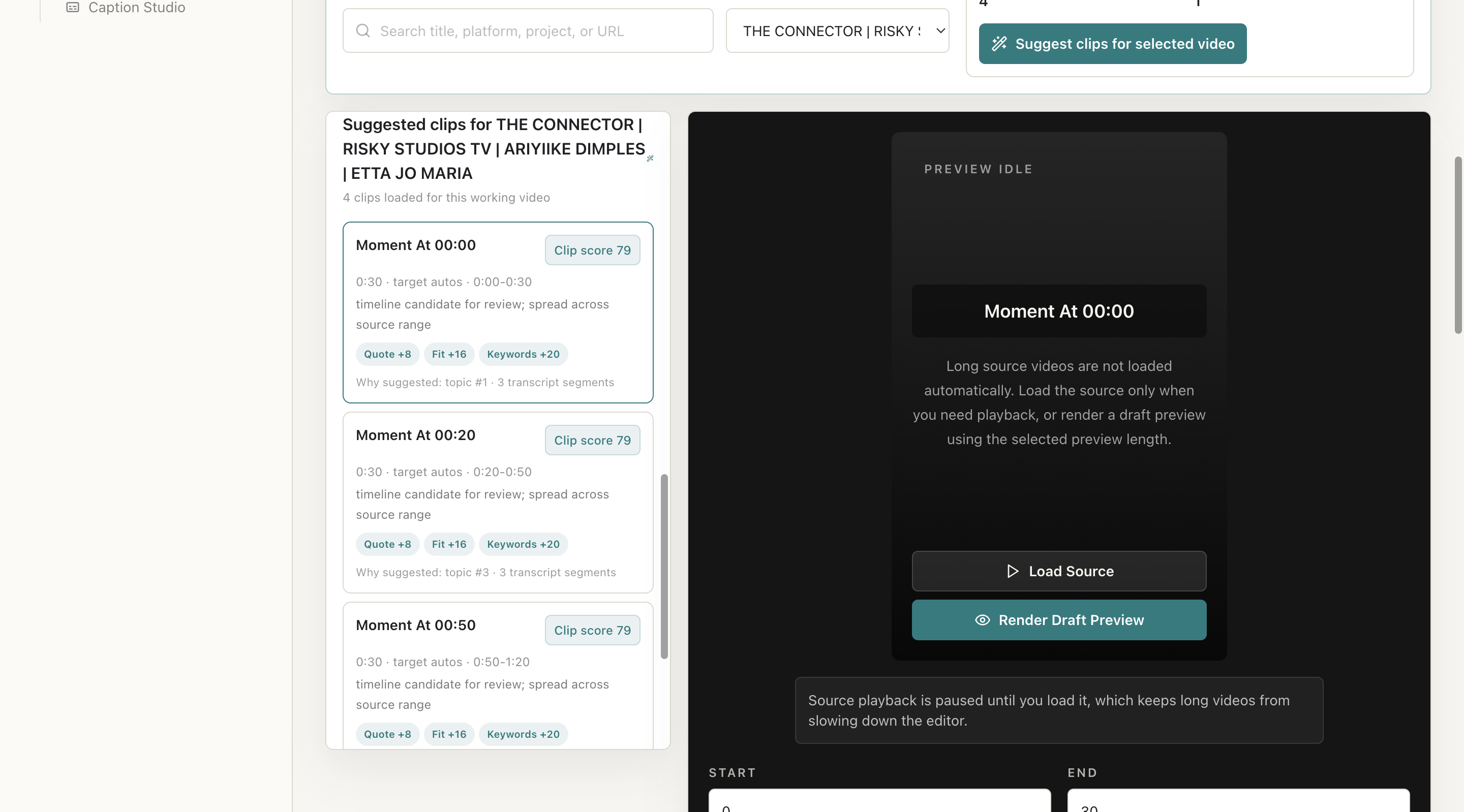
Poor AI suggestions
What it means: Suggested clips are weak.
Why it happens: Bad transcript, narrow range, high score, or sparse source.
How to fix it: Fresh transcript, wider range, lower score, longer duration target.
Export failed
What it means: Final render did not complete.
Why it happens: Missing media, FFmpeg issue, disk full, or invalid settings.
How to fix it: Check source, disk, FFmpeg, queue, and Error Logs.
Captions not burned in
What it means: Final video lacks captions.
Why it happens: Export setting or render path missed caption burn-in.
How to fix it: Check caption/export settings and render preview.
Watermark not showing
What it means: Logo is missing from output.
Why it happens: Bad path, unsupported image, or disabled watermark.
How to fix it: Re-select logo and verify asset permission.
Background music too loud
What it means: Music overpowers speech.
Why it happens: Overlay volume too high.
How to fix it: Lower music volume and preview again.
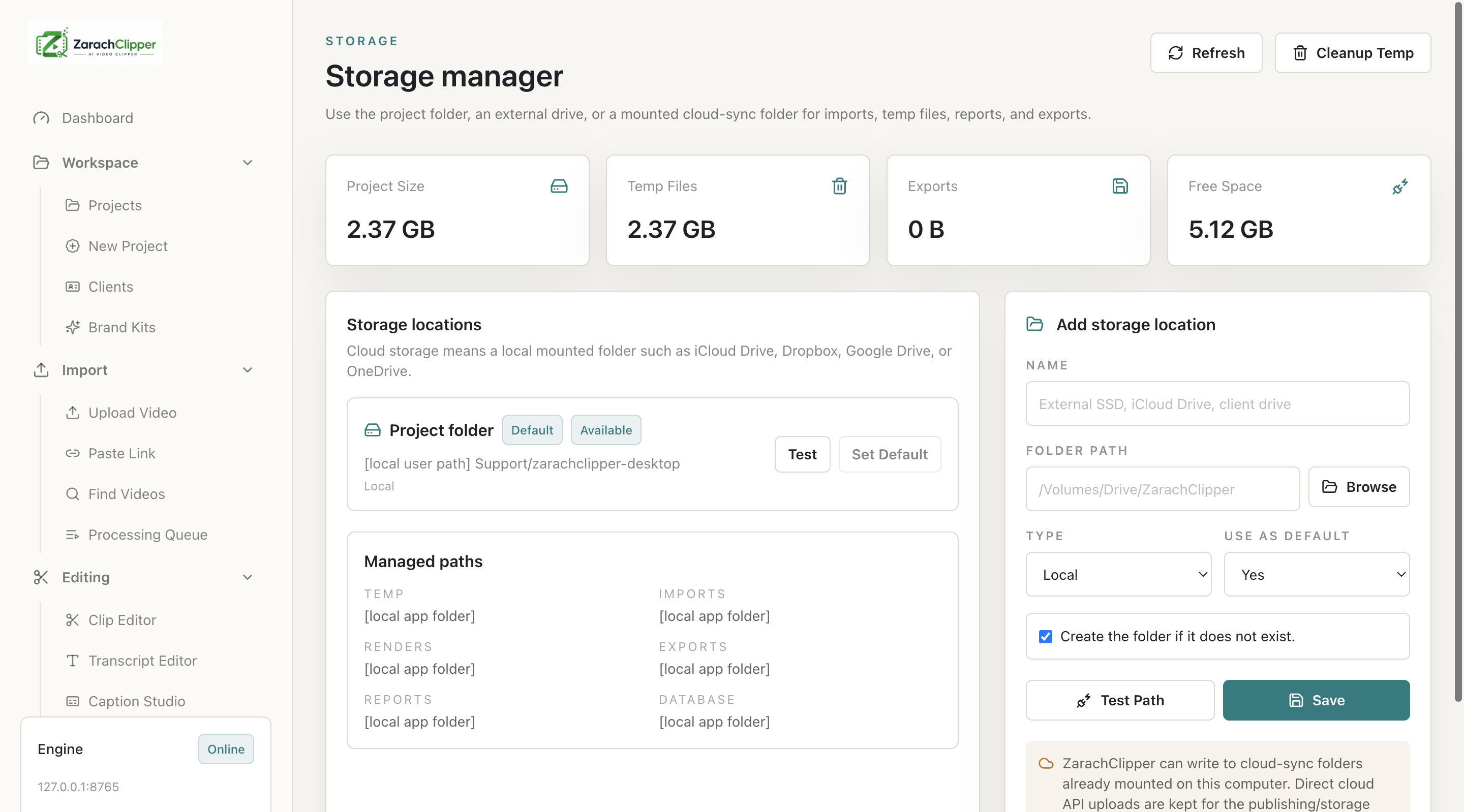
Storage full
What it means: Disk lacks space.
Why it happens: Large imports/renders/temp files.
How to fix it: Open Storage Manager and clean safe temp files.
Queue job stuck
What it means: Job never completes.
Why it happens: Engine crash, dependency failure, or unavailable source.
How to fix it: Restart engine, retry job, check Error Logs.
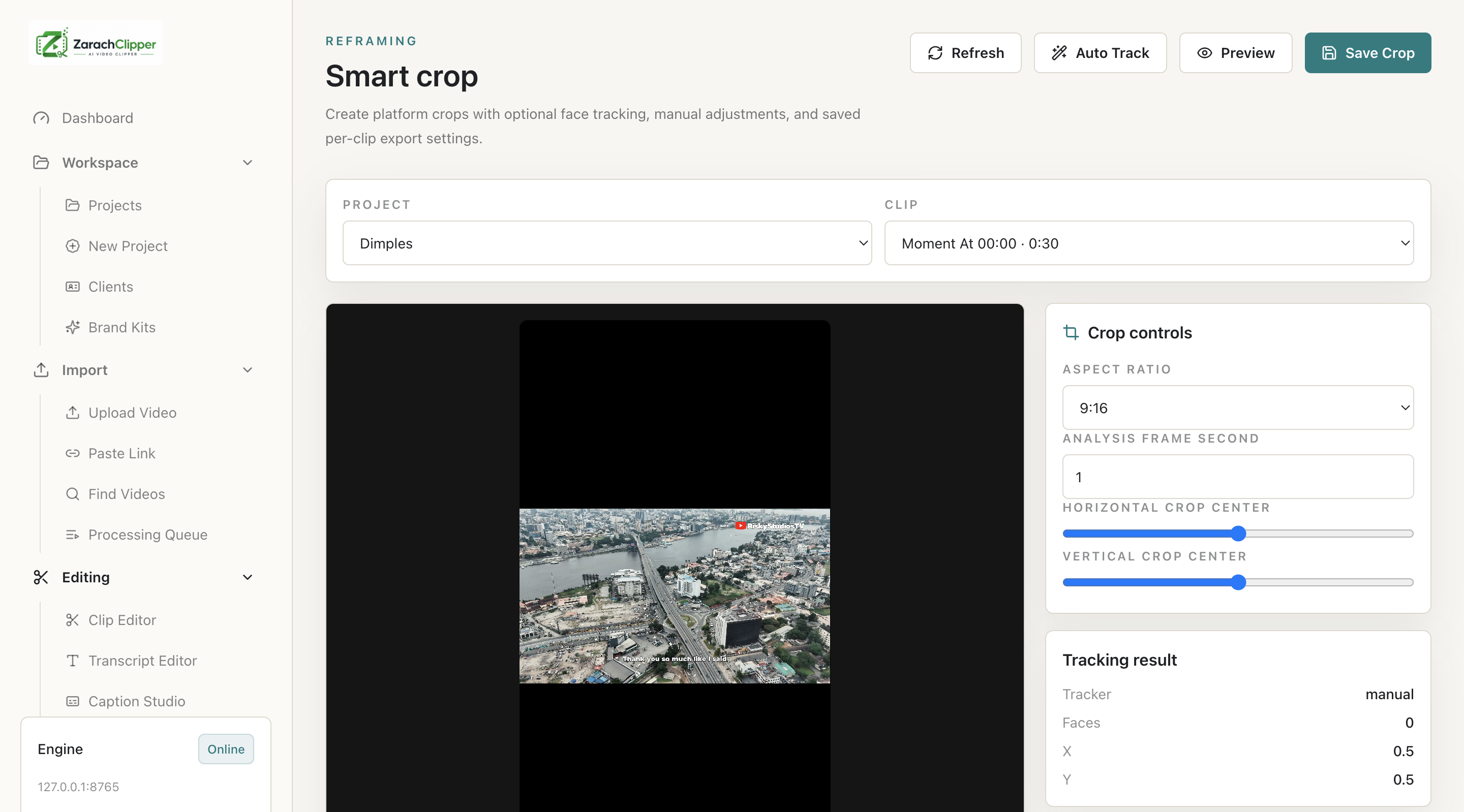
Smart crop did not detect face
What it means: Tracking cannot find subject.
Why it happens: OpenCV missing or subject not clear.
How to fix it: Use manual crop controls.
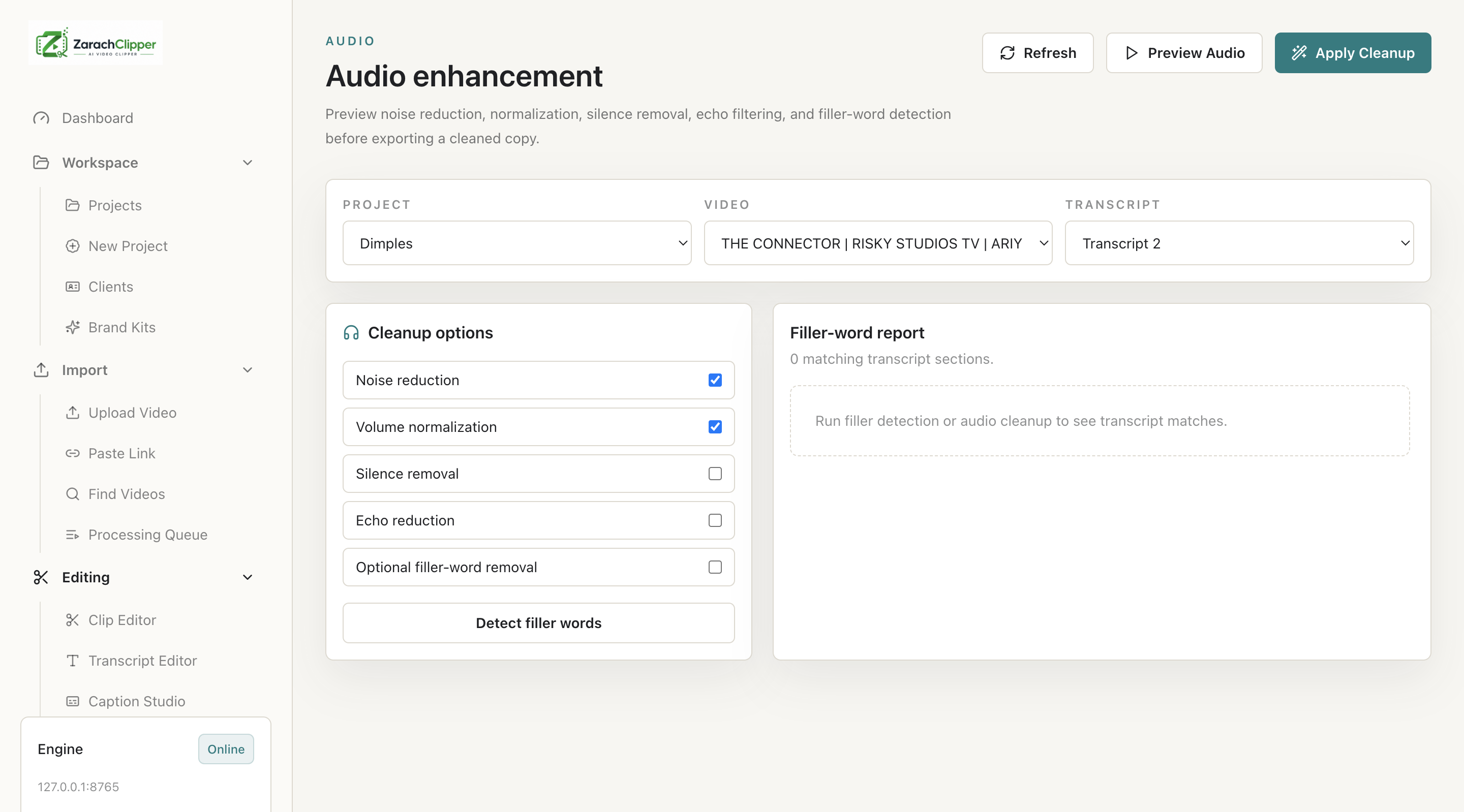
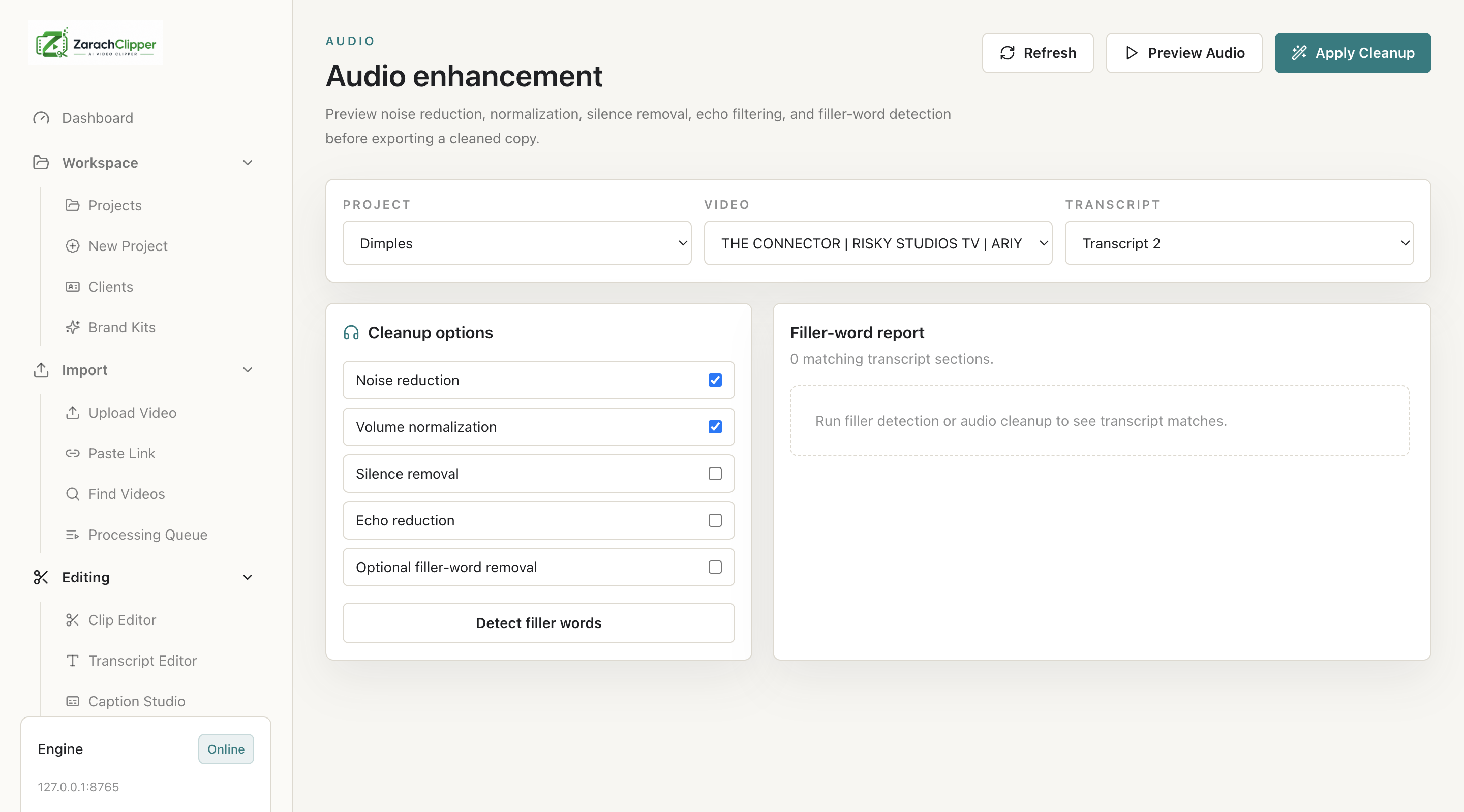
Audio cleanup sounds bad
What it means: Speech quality is degraded.
Why it happens: Cleanup settings too aggressive.
How to fix it: Reduce cleanup and preview before applying.
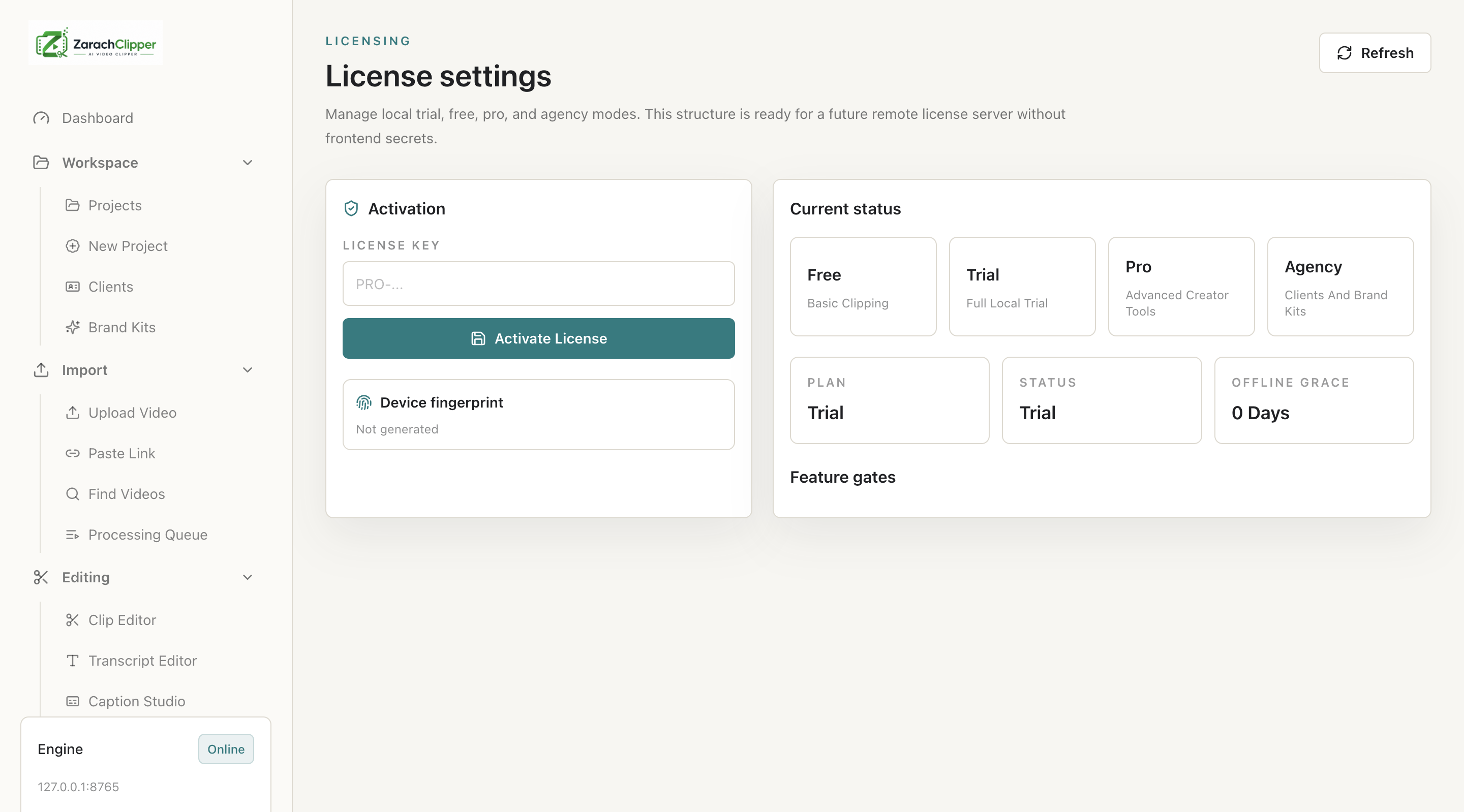
License not activating
What it means: App cannot verify license.
Why it happens: Bad key, backend/network issue, or device limit.
How to fix it: Check backend URL, key, network, and account status.