
Desktop Guide
Settings
Configure engine URL, diagnostics, export defaults, storage path, cloud settings, and app updates.
What This Feature Does
Settings controls local engine URL, diagnostics, runtime tools, storage path, export defaults, caption defaults, cloud settings placeholder, reset warnings, language, and app updates.
Why Users Need It
Users need it to fix engine, tool, update, storage, and cloud connection issues.
Where To Find It
Settings -> Settings.
Before You Start
- Know whether using packaged app or source development mode
Step-by-Step Guide
- Open Settings.
- Review app version/update controls.
- Check engine URL.
- Save/test engine URL if changed.
- Review diagnostics.
- Locate missing tools.
- Restart engine after changes.
- Review storage/export defaults and cloud URL.
Screenshot Section
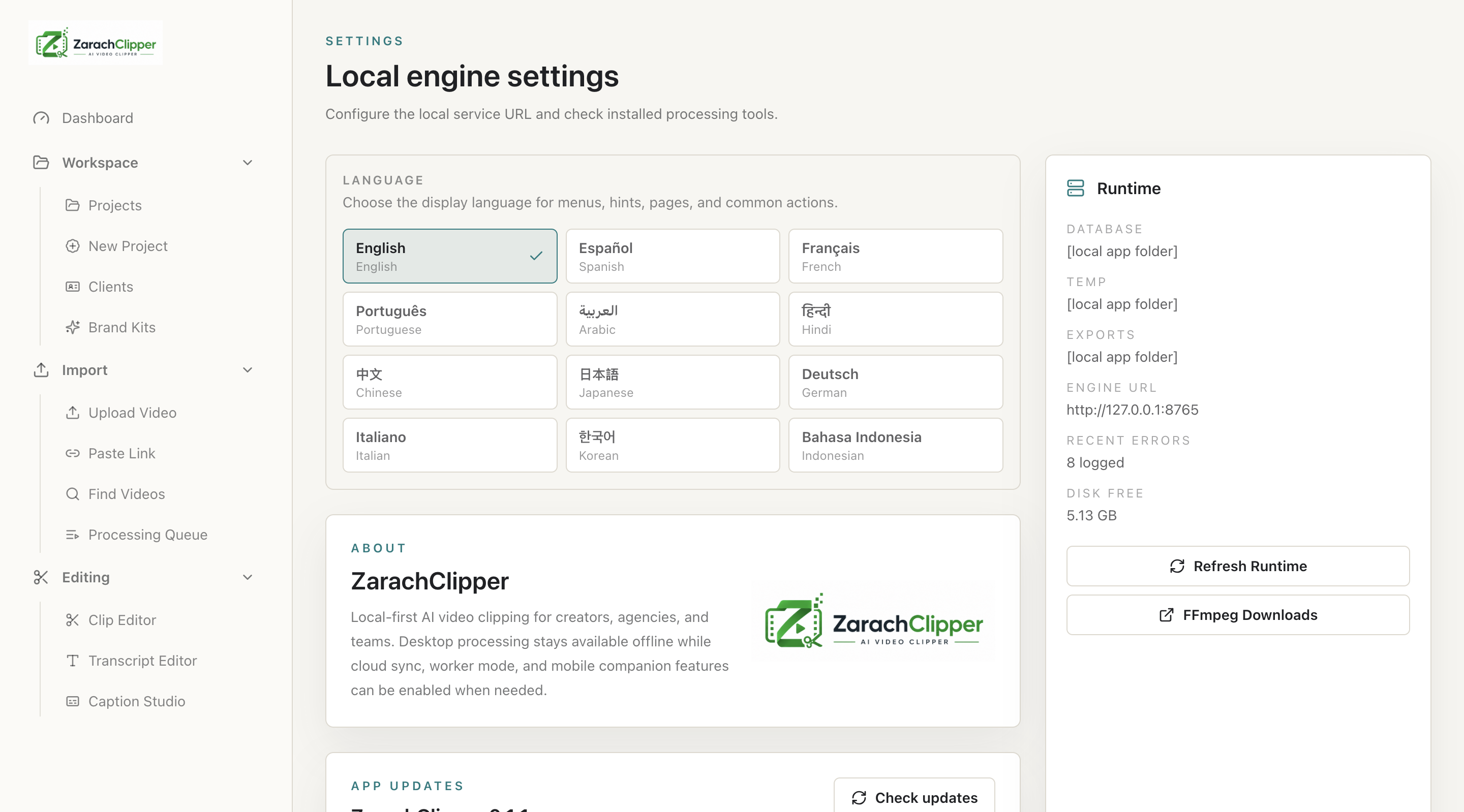
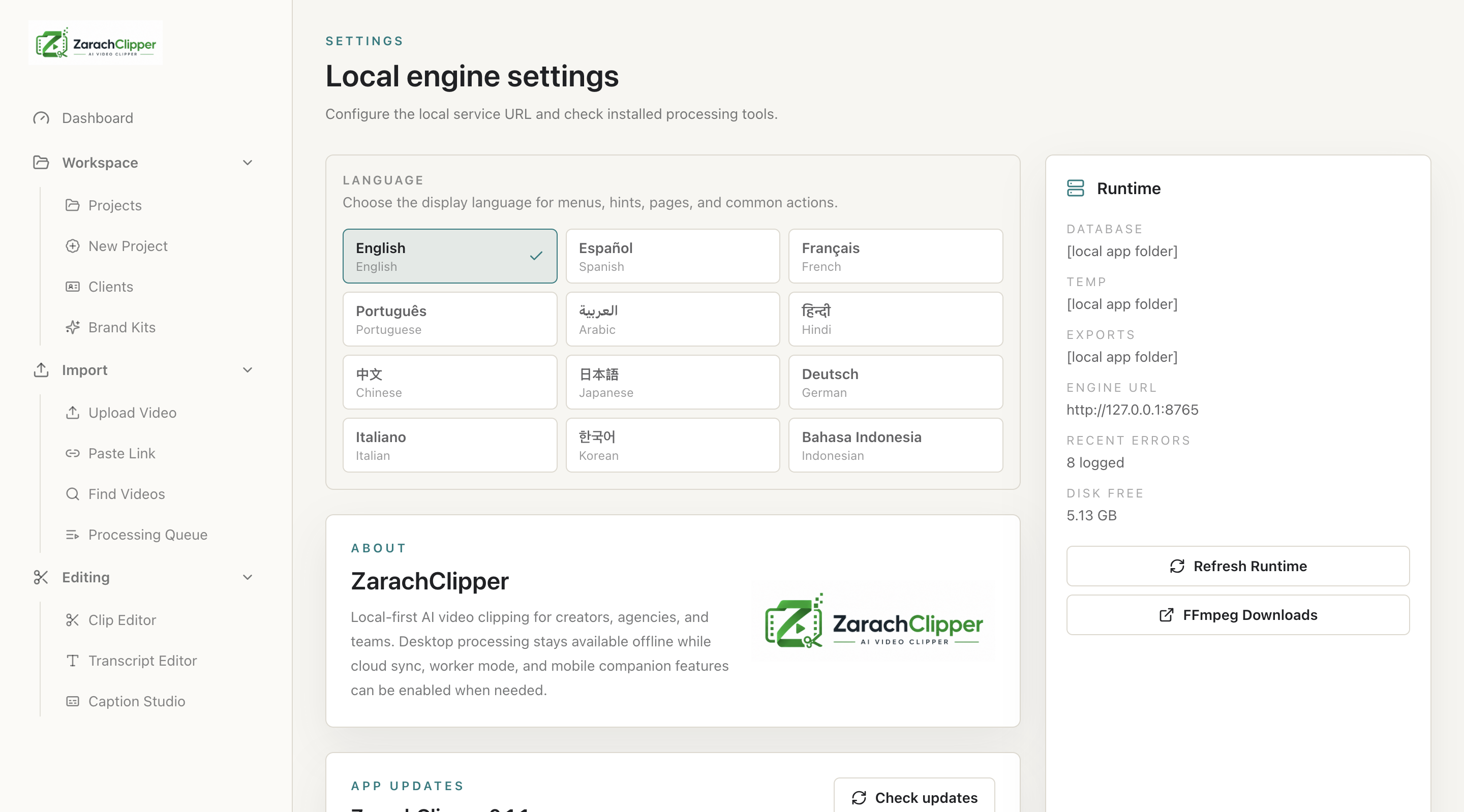
What To Check On The Screen
- Engine URL is correct
- Runtime tools ready
- Private paths hidden in screenshots
Expected Result
Users can diagnose and configure the desktop app.
Common Mistakes
- Changing engine URL without reason
- Running source commands for packaged app
Troubleshooting
If settings do not apply, restart engine and app.